

Sometimes it’s not the camera, not the editing, not even the content idea. It’s the tools behind the scenes, the ones that help you with YouTube SEO strategy, thumbnails, analytics and even automation. If you’ve ever asked yourself “how can I succeed on YouTube?” or struggled with search engine optimization for YouTube videos, then you already know the pain: uploading a video and watching it sink into the endless ocean of content.
That’s why I decided to break down the best YouTube optimization tool platforms that actually help creators grow, monetize, and optimize their channels. These are not magic buttons, but they are powerful allies if you want to master YouTube video SEO optimization, improve your YouTube tags search engine optimization, and finally start making a successful YouTube channel.
Do you know that feeling when you spend 10 hours editing a video, you make the perfect cut, you choose the funny music, and you hit “Publish” with a big smile? And then… nothing.
I know this feeling too well. Three years ago, I uploaded a cooking video. I thought I was the next Gordon Ramsay. I waited for the views to roll in. I refreshed the page. One view. (It was my sister). I refreshed again. Still one view.
It hurts, right? You ask, “How can I succeed on YouTube when nobody sees my work?”
The truth is, YouTube is not just about being creative. It is a game of numbers and robots. The algorithm is a robot. If you do not speak the robot language, you will be invisible. This is where tools come to save you. You don’t build a house with just your hands; you need a hammer. To build a channel, you need the best YouTube optimization tool.
I have tested many platforms. Some were garbage, some were okay and some changed my life. Today, I am sharing the top 10 platforms tailored to boost, grow, and monetize your content.
Let us dive in.
1. TubeBuddy
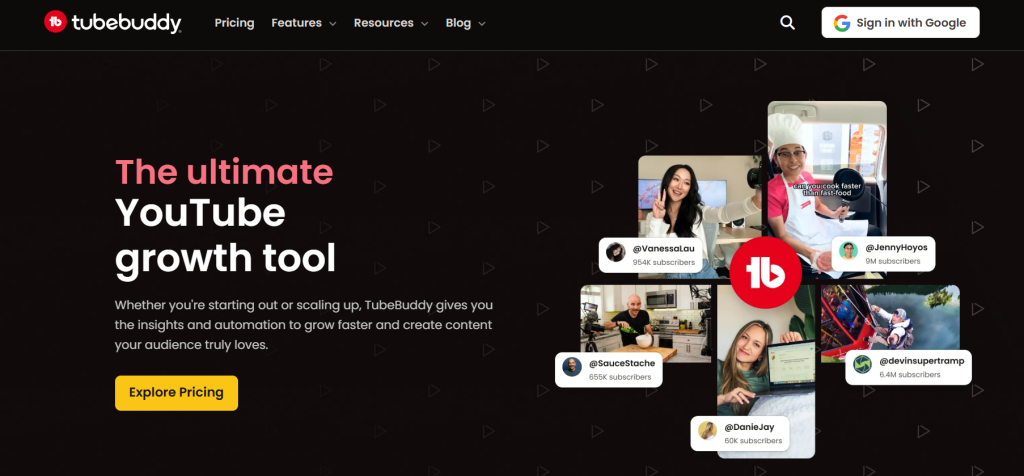
If you ask any big creator what is the best YouTube optimization tool, they will likely whisper “TubeBuddy.” It is a browser extension that lives inside your YouTube Studio. It feels like having a smart friend sitting next to you while you upload.
What it does
TubeBuddy is famous for taking the boring work out of YouTube. It helps you find the right words that people are searching for. It also has a “Bulk Processing” feature. Imagine you want to change a link in the description of 50 videos. Doing it one by one is a nightmare. TubeBuddy does it in one click.
Key Features for Success
- Keyword Explorer: This is essential for YouTube SEO. It tells you if a keyword is “Poor,” “Good,” or “Excellent” based on your channel size.
- A/B Testing: This is magic. You can upload two different thumbnails for the same video. TubeBuddy shows them to different people to see which one gets more clicks.
- Click Magnet: It tells you exactly what your audience likes to click on.
- Auto-Translator: It translates your titles and descriptions into other languages to get global views.
Why it helps you succeed
To making a successful YouTube channel, you cannot guess. You must know. TubeBuddy removes the guessing. It shows you the tag rankings of your competitors. When I started using the A/B testing, my Click-Through Rate (CTR) went up by 4%. That sounds small, but on YouTube, that is huge.
Pricing
They have a free version which is good for beginners. The paid plans (Pro and Legend) are where the real power is, costing between $6 to $26 per month roughly.
The Verdict
It is the Swiss Army Knife of YouTube video optimization. It is a bit clunky sometimes, but it works.
2. OutlierKit
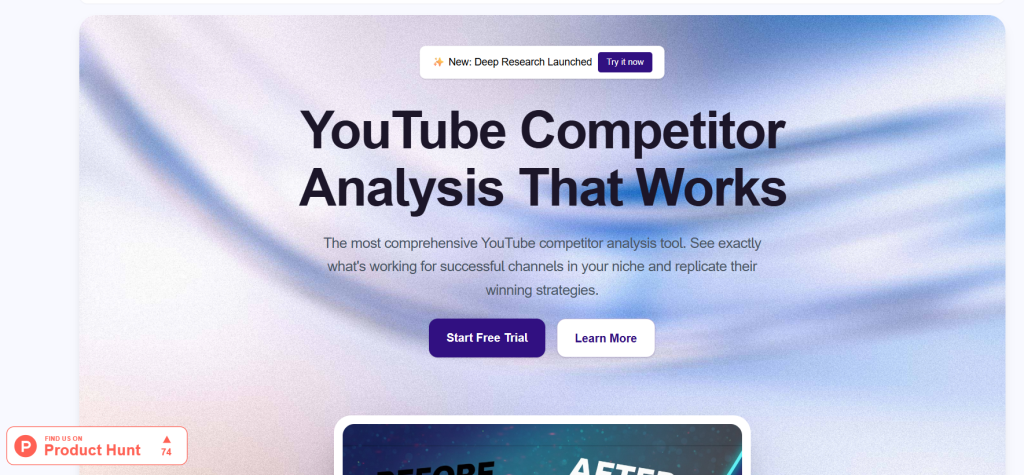
This is a newer name in the game, but it is quickly becoming the best YouTube optimization tool for ideation. Many people make videos about what they want. OutlierKit helps you make videos about what the audience wants.
What it does
OutlierKit is an intelligent research tool. It looks for “outliers.” An outlier is a video that performs unusually well for a specific channel. For example, if a channel usually gets 1,000 views, but one video got 50,000 views, that is an outlier. It means the topic is viral, not just the creator.
Key Features for Success
- Outlier Detection: Scans thousands of channels to find high-performing video ideas.
- Niche Discovery: Helps you find corners of YouTube that are not crowded.
- Trend Analysis: Shows you what is going up right now, not last week.
Why it helps you succeed
If you wonder how to succeed on YouTube, the answer is often “Model Success.” Do not steal content, but steal the packaging. If a topic worked for a small channel, it will likely work for you. OutlierKit finds these golden nuggets for you. It saves you hours of scrolling.
Pros and Cons
- Pros: very specific data, great for finding video ideas that are guaranteed to get views.
- Cons: It is mostly for research, not for managing your channel.
The Verdict
For YouTube seo in 2026, finding the right topic is 80% of the battle. OutlierKit wins that battle for you.
3. VidIQ
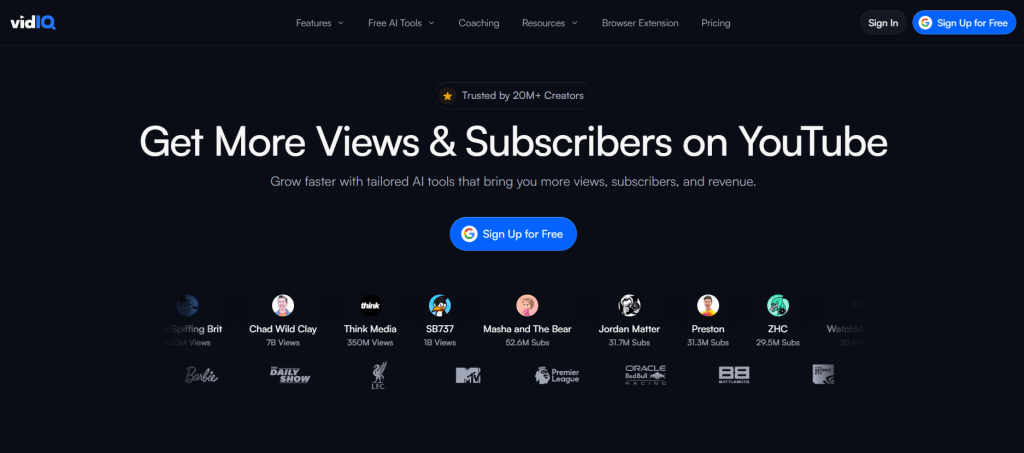
VidIQ is the biggest rival to TubeBuddy. For many, it is the best YouTube optimization tool because of its beautiful interface and AI features. It focuses heavily on analytics and “Why” a video went viral.
What it does
VidIQ is like a coach. It gives you a “Scorecard” for every video. It tells you if your title is too long, if your tags are popular, and if your description is good for search engine optimization for YouTube videos.
Key Features for Success
- Daily Ideas: Every day, the AI gives you 3 to 50 video ideas based on your channel history. It predicts “Very High” view potential.
- Competitor Tracking: You can spy on your rivals. See their views per hour (VPH). If a competitor’s video has high VPH, you should make a video on that topic too.
- Trend Alerts: You get an email when a specific keyword starts trending.
- ChatGPT Integration: They have AI built-in to write your titles and scripts.
Why it helps you succeed
VidIQ is excellent for YouTube channel optimization. The “Views Per Hour” metric is my favorite thing. It tells you if a topic is dead or alive. If you are serious about YouTube monetization analytics, VidIQ breaks it down simply.
Pricing
They have a generous free plan. The Boost plan (around $39/mo) is expensive but necessary if you want the keyword engine to work fully.
The Verdict
If you like data and colorful charts, this is for you. It is user-friendly and very powerful for YouTube tags search engine optimization.
4. Canva
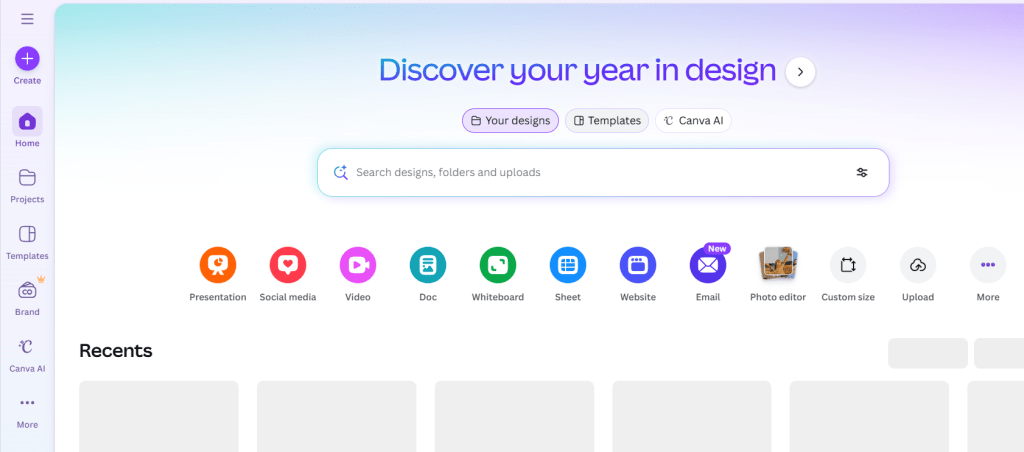
You might think, “Canva is for design, not for YouTube.” You are wrong. Canva is arguably the best YouTube optimization tool for visuals. And visuals are half of your success.
What it does
Canva helps you create thumbnails, channel banners, logos, and even intro videos. You do not need to learn Photoshop, which is hard and expensive. Canva is drag-and-drop.
Key Features for Success
- Thumbnail Templates: Thousands of YouTube-specific templates that are proven to get clicks.
- Background Remover: One click to remove the background behind your face. This is crucial for “pop” in thumbnails.
- Magic Edit: Use AI to change an object in your photo. Want to hold a bag of money instead of a sandwich? Canva AI does it.
- Video Editor: You can now edit full videos in Canva. It is basic, but good for Shorts.
Why it helps you succeed
YouTube video seo optimization is not just text; it is the Click-Through Rate. If your thumbnail is ugly, nobody clicks. If nobody clicks, YouTube stops showing your video. Canva ensures your thumbnails look professional. A good thumbnail is the difference between 100 views and 10,000 views.
Pricing
Free for most things. The Pro version is cheap (about $12/mo) and gives you the best photos and fonts.
The Verdict
Essential. You simply cannot ignore design if you want to be a top creator.
5. YouTube Studio
Sometimes, the best YouTube optimization tool is the one you already have. YouTube Studio is the native backend of YouTube. It is free, accurate, and the source of truth.
What it does
This is where you upload, manage comments, and see your analytics. But many people ignore the “Research” tab.
Key Features for Success
- Audience Retention Graph: This is the holy grail. It shows you exactly where people stop watching. If the line drops at 1:00, you know your joke was not funny.
- Research Tab: YouTube now tells you what your viewers are searching for. It shows “Content Gaps” – topics that people want but cannot find good videos on.
- A/B Testing (New): YouTube is slowly rolling out its own thumbnail tester inside Studio.
- Monetization Tab: Tracks your progress to the 4,000 watch hours.
Why it helps you succeed
You cannot get YouTube seo for free better than this. The data comes directly from YouTube. There is no middleman. Understanding your retention graph is how you learn to make better videos. If you improve retention, the algorithm promotes you.
The Verdict
You must master this before buying other tools. It is the foundation of YouTube search optimization.
6. Veefly

This platform is a bit different. While others focus on organic growth (SEO), VeeFly helps you with paid growth. For some, it acts as the best YouTube optimization tool for kickstarting a dead channel.
What it does
VeeFly is a promotional platform. It uses Google Ads to show your video to people. You pay a little money, and they put your video as an ad on other YouTube videos.
Key Features for Success
- Targeted Campaigns: You can choose who sees your video (e.g., “Men in USA who like Cars”).
- Dashboard: Simpler than the confusing Google Ads manager.
- Real Views: Because it uses Google Ads, the views are real people, not bots (mostly).
Why it helps you succeed
Sometimes, the algorithm hates you. You make a masterpiece, but zero impressions. VeeFly buys you the initial momentum. It helps you get those first 1,000 views to trigger the algorithm. It is good for YouTube video optimization in terms of distribution.
Pricing
You pay for views. It starts around $10 for a campaign.
The Verdict
Use this carefully. Paid views are good for branding, but they often ruin your retention rate because people click away fast. But if you have a product to sell, it is a strong tool.
7. Hootsuite
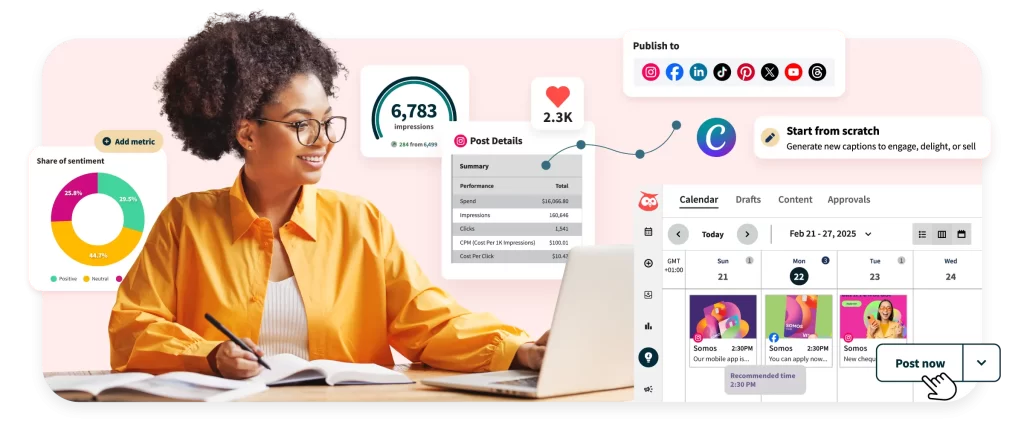
If you are a serious brand, you are not just on YouTube. You are on Twitter, Instagram and Facebook. Hootsuite is the best YouTube optimization tool for management and scheduling.
What it does
It lets you schedule your video shares across all social media at once. You do not need to log in to five different apps.
Key Features for Success
- Best Time to Publish: It analyzes your audience and posts your links when they are awake.
- Social Listening: You can see what people are saying about your channel on Twitter or Reddit.
- Analytics Report: Combines data from all social networks to see the big picture.
Why it helps you succeed
Optimize video for YouTube includes external traffic. YouTube loves it when you bring people from Instagram to YouTube. Hootsuite automates this. Consistency is key, and Hootsuite forces you to be consistent.
The Verdict
Great for agencies or full-time creators. Might be too expensive and complex for a beginner with one channel.
8. Thumbnail Scout
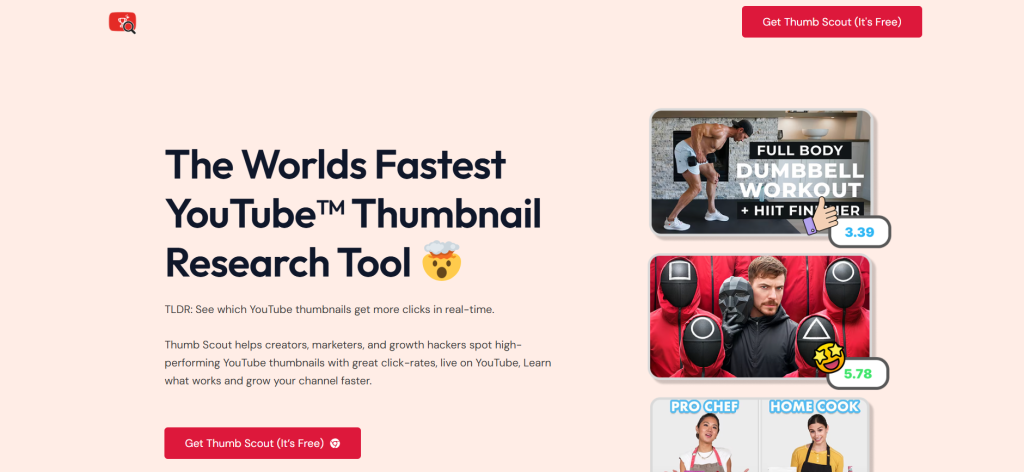
We talked about Canva for making thumbnails, but how do you know if the thumbnail is good? ThumbnailScout is the best YouTube optimization tool for analyzing the potential of your image before you post it.
What it does
It uses AI to “look” at your thumbnail. It scans for emotions, text readability, and color contrast. It compares your image to thousands of viral thumbnails.
Key Features for Success
- AI Scoring: Gives your thumbnail a score out of 10.
- Heatmaps: Shows you where a human eye will look first. You want them to look at the emotion or the text.
- Comparison: Puts your thumbnail next to popular videos to see if it stands out.
Why it helps you succeed
A high CTR is the secret to YouTube seo strategy. If you can increase CTR from 2% to 5%, your channel explodes. ThumbnailScout gives you an objective opinion. Sometimes we think our art is good, but the AI knows better.
The Verdict
A niche tool, but very powerful. If you struggle with low clicks, this is the doctor you need.
9. Virlo AI
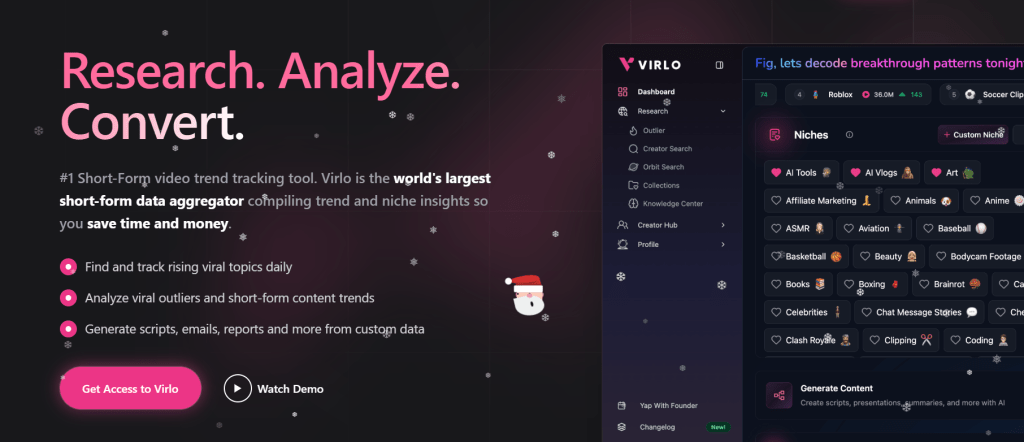
The world is moving to Short-form content. YouTube Shorts are dominating. Virlo.ai is the best YouTube optimization tool specifically for the fast-paced world of Shorts and viral trends.
What it does
Virlo analyzes millions of short videos to find audio and formats that are trending right now. Trends on Shorts last only a few days. Virlo catches them early.
Key Features for Success
- Viral Audio Hunter: Tells you which song to use to get a boost.
- Script Generator: Uses AI to write short, punchy scripts that hook viewers in 3 seconds.
- Competitor Shorts Analysis: See what hooks are working for others.
Why it helps you succeed
Shorts are the fastest way to grow subscribers today. YouTube automation tools like Virlo help you churn out high-quality Shorts daily. It takes the “thinking” out of the process so you can focus on filming.
The Verdict
If you focus on YouTube Shorts, this is a must-have. For long-form videos, it is less useful.
10. Craide
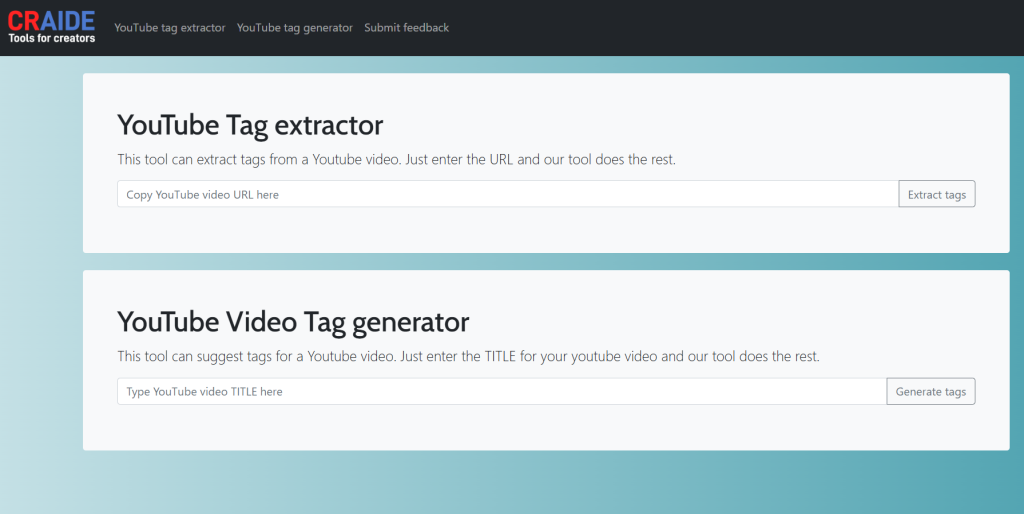
Craide is an emerging player in the AI space. It acts as an intelligent assistant for creators. It is fighting to be the best YouTube optimization tool for content creation workflow.
What it does
Craide focuses on the writing and structural side of things. It helps you turn a vague idea into a structured video plan.
Key Features for Success
- AI Scripting: It writes scripts that sound human, not robotic.
- Description Optimizer: It writes SEO-friendly descriptions filled with the right keywords.
- Tag Generation: Suggests tags that are relevant for search engine optimization for YouTube videos.
Why it helps you succeed
Writer’s block is real. Sometimes you stare at a blank screen for hours. Craide fixes this. It helps with YouTube channel optimization by ensuring every video has a strong structure and good metadata.
The Verdict
A great helper tool. It is like having a junior scriptwriter on your team who works for free (or cheap).
The Strategy: How to Use These Tools Together
You now have the list. But owning a hammer does not make you a carpenter. You need a strategy. Here is how to combine these to form the best YouTube optimization tool ecosystem for your channel.
Step 1: The Idea (OutlierKit & VidIQ)
Do not guess. Use OutlierKit to find a topic that is working for small channels. Then, use VidIQ to check the search volume. If the volume is high and competition is low, you have a winner.
Step 2: The Creation (Craide & Canva)
Use Craide to write a hook that grabs attention in the first 30 seconds. This helps retention. Then, film your video. Use Canva to design a thumbnail that has bright colors and high contrast.
Step 3: The Optimization (TubeBuddy & ThumbnailScout)
Before you publish, run your thumbnail through ThumbnailScout. Is the score above 8? Good. Upload the video. Use TubeBuddy to fill in the tags and write a description that includes keywords like “free YouTube SEO tools” or whatever your niche is.
Step 4: The Push (VeeFly & Hootsuite)
Once it is live, use Hootsuite to blast it to your Twitter and Facebook. If the video is selling a product, maybe put $20 into VeeFly to get some initial eyeballs.
Step 5: The Analysis (YouTube Studio)
Wait 48 hours. Open YouTube Studio. Look at the CTR and Retention. Did people click? Did they stay? Learn, and repeat.
Common Questions About YouTube Success
“Do I really need paid tools?”
No. You can use YouTube seo for free using just YouTube Studio and common sense. However, tools save time. If your time is worth money, then the tools are free in the long run.
“What is the most important metric?”
Click-Through Rate (CTR) and Average View Duration (AVD). If you have high CTR and high AVD, YouTube will promote you to the moon.
“Is SEO still alive in 2026?”
Yes, but it has changed. YouTube seo in 2026 is less about spamming tags and more about “Intent.” Does your video answer the question the user asked? The algorithm is smart now. It listens to what you say in the video.
Final Thoughts
So, what is the best YouTube optimization tool?
If I had to choose only one, I would choose VidIQ for the data or TubeBuddy for the workflow. But the truth is, the best tool is your brain. These platforms are just helpers.
I remember my first channel. I failed because I was arrogant. I thought I was too good for SEO. I thought “good art finds an audience.” That is a lie. Good art needs a map to find the audience.
Don’t be like the old me. Use the tools. optimize your content. Learn how to succeed on YouTube by treating it like a business.
Now, stop reading and go create. The algorithm is waiting for you.
(If you liked this post about the best YouTube optimization tool, share it with a friend who is struggling with zero views. It might change their life.)