Constant Contact is widely regarded as one of the best email marketing tool for beginners thanks to its intuitive drag-and-drop editor, large template library, and straightforward onboarding experience. It's specially tailored for small businesses, nonprofits, and first-time email marketers seeking easy, efficient tools to craft and send campaigns.
While it shines in usability, deliverability and event marketing features, it has limitations where pricing can escalate with growing contact lists, automation features aren't as flexible as in more advanced tools, and design customization and cancellation processes may frustrate some users.
Specs
• Ease of Use: Exceptionally intuitive for email marketing beginners:
• Built-in event marketing simplifies registrations and ticket sales
• Generous template and tool support for nonprofits
Cons
• Costs escalate quickly with large contact lists
• Limited automation flexibility compared to competitors
• Templates often appear outdated and lack customization •
Cancelling account involves cumbersome customer support process
• Collaboration tools may lag when multiple users active
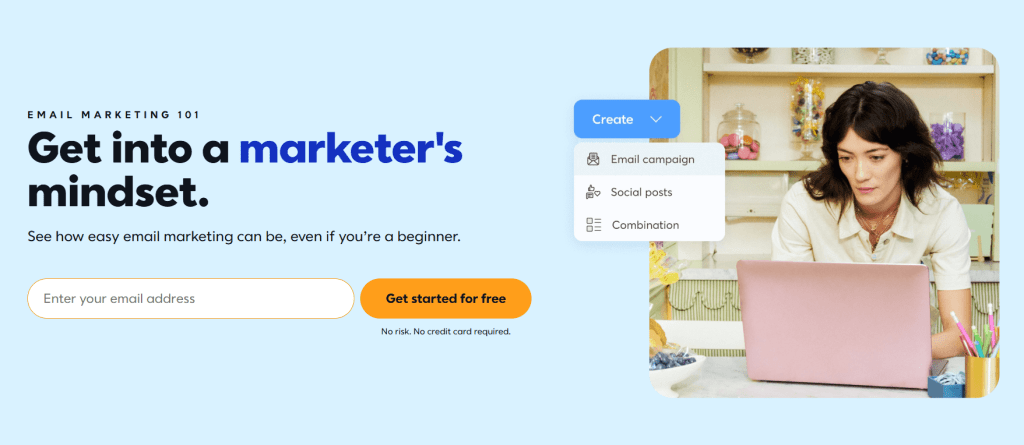
When searching for the best email marketing tool for beginners, Constant Contact is a name that often tops the list. It earns that reputation largely due to its intuitive interface, beginner-friendly tools and strong customer support. Let’s unpack what makes Constant Contact a wonderful starting point and where it might fall short for growing businesses.
What Makes It Great for Beginners
1. Intuitive Drag-and-Drop Email Editor Constant Contact’s builder allows even completely non-technical users to build attractive, polished emails. A vast template library means you don’t have to design from scratch, which is perfect for team members launching their first campaigns.
2. Strong Deliverability Reliable email delivery is the backbone of any marketing tool. Constant Contact performs well in real-world deliverability tests, ensuring your messages consistently reach inboxes.
3. Event Marketing Tools Included Uniquely, Constant Contact integrates event management into its core service—allowing you to manage invitations, ticket sales (with PayPal/Stripe), registrations, and even promotional codes.
4. Extensive Integrations Beginners often juggle multiple tools as they grow. With over 500+ apps—from CRMs to social tools—Constant Contact supports scalable workflows.
5. Ideal for Nonprofits Nonprofit organizations benefit from 20–30% discounts, making it both feature-rich and accessible for mission-driven teams.
Areas for Improvement
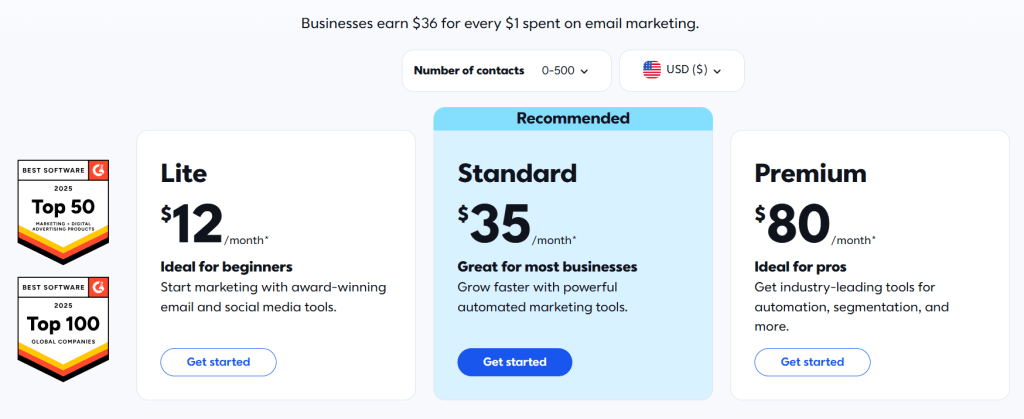
1. Price Increases with Subscriber Growth Plans may start affordably—but as your audience grows, monthly costs can escalate steeply since pricing is list-size based.
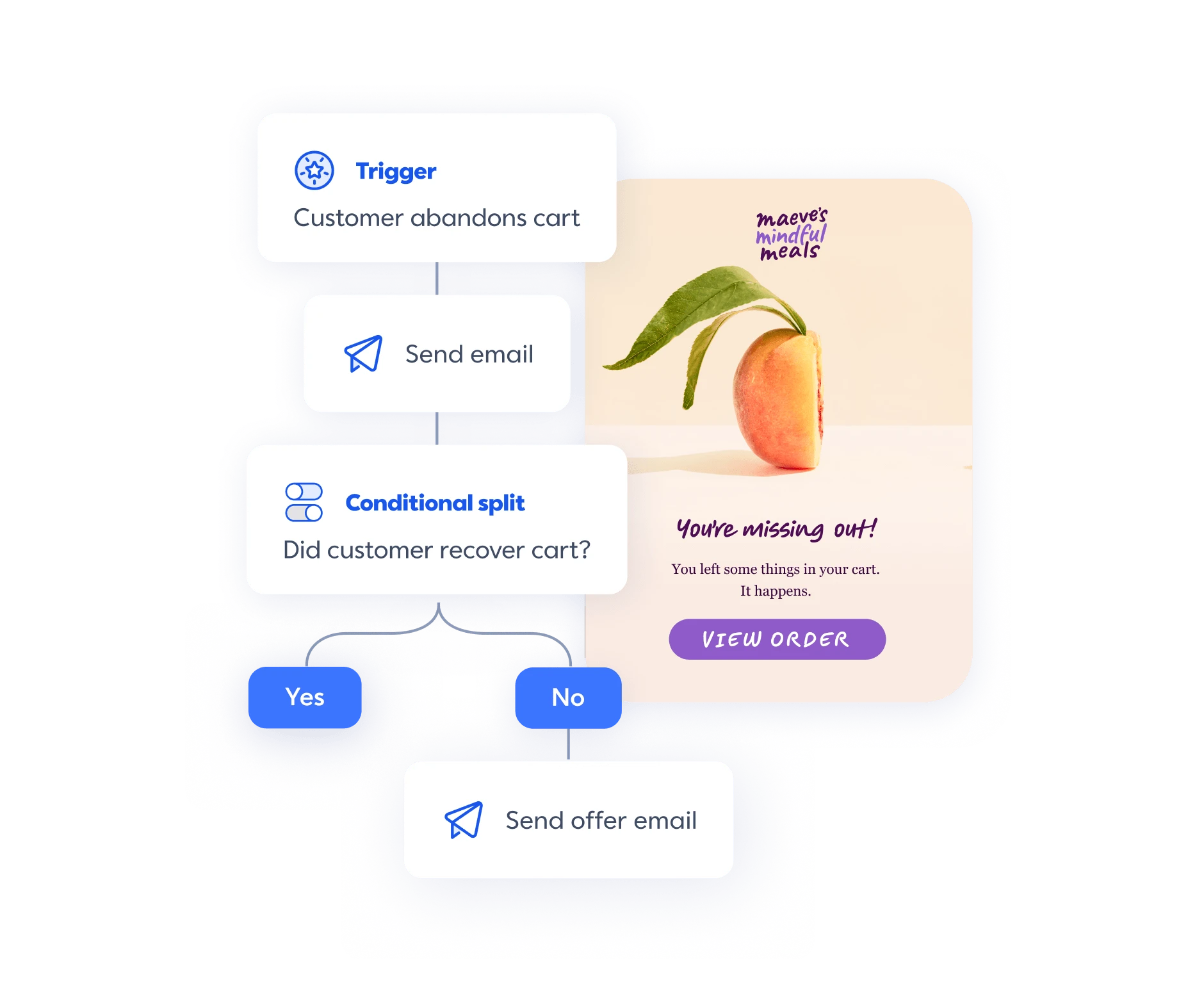
2. Automation Isn’t Advanced If you’re seeking conditional, multi-channel workflows or sophisticated segmentation, you might feel constrained. Automations here are fairly basic.
3. Template Design Could Use an Update While the number of templates is generous, some are dated, limiting your ability to create fresh, distinctive visuals.
4. Cancellation Can Be Frustrating Multiple reviewers cite difficulties in canceling service—a process that often requires a call, with no self-serve option.
5. Collaboration and Stability Challenges Some teams report that performance slows or freezes when multiple users work simultaneously. Others have noted glitches—unsaved changes, template reversion, or image upload issues.
Core Feature Highlights
Here’s a look at the standout capabilities that often define the Constant Contact experience:
Email Creation: Drag-and-drop editor, hundreds of templates. Great for design novices.
Automation: Includes basic autoresponders and A/B testing at higher plan levels.
Event Marketing: Built-in ticketing, form generation, and campaign tracking.
Analytics & Reporting: Open and click tracking, heat maps, campaign performance insights.
Integrations: Extensive app ecosystem for social post scheduling, CRMs, e-commerce tools.
Deliverability: Industry-standard delivery rates, often exceeding 90%.
Premium: Unlocks dynamic content, advanced automations, SEO tools. ~$80/month.
Marketing Automation+: Starts around $449/month, delivering CRM-level automation features.
Trial: Offers a 60-day free trial with limited sending capacity (e.g., 100 contacts).
Nonprofit Discounts: 20–30% off for registered nonprofits.
Best Email Marketing Tool for Beginners
If you’re seeking the best email marketing tool for beginners, Constant Contact delivers a friendly launchpad intuitive tools, event marketing features, solid deliverability and rich integrations. Its onboarding experience and visual editor make it ideal for small teams or nonprofits navigating email campaigns for the first time.
However, as your list grows or marketing complexity rises, you may find automation features limiting, pricing less favorable and design flexibility lacking. And while the support team is helpful, frustrating processes like account cancellation and occasional glitches could test your patience. My take on this is to find something like Icegram Express or Sender for limitless integration, generous number of contacts or emails, and of course when looking fo a budget-friendly solution for a business that longs to grow.
Disclosure: This post may contain affiliate links, which means if you make a purchase through my links, I may earn a small commission at no extra cost to you.