Clean Email is a stellar best inbox cleaning software that turns email chaos into calm. It intelligently groups emails into smart bundles like newsletters or social notifications, so you can delete, archive or label them in bulk. With tools like Unsubscriber and Auto Clean, the app automates boring cleanup routines, letting you achieve email Zen quickly.
What sets this privacy focused email cleaner apart is its steadfast commitment to data protection. CleanEmail doesn’t sell or store your email content, but it relies solely on subscriptions, offering secure email inbox organizer features like OAuth2 and encryption. It truly is a privacy-first email declutter automation tool you can trust.
Specs
Free Plan: Clean up to 1,000 emails free.
Free Trial: 14-day premium access plus 25 unsubscribes.
Single-Account Monthly: $9.99/month for full premium access.
Annual Subscription (1 Account): $29.99/year saves around 75%.
Multi-Account Plans: 5 or 10 accounts for family pricing.
Security Features: Encrypted, privacy-focused, no data selling.
Pros
Smart bulk grouping speeds mass cleanup
Unsubscriber automates best email bulk unsubscribe
Auto Clean rules mean hands-free maintenance
No ads; privacy focused email cleaner
Supports all devices and email providers
Cons
Subscription pricing may deter budget-conscious users
Occasional confusion over trial cancellation process
Why Clean Email Stands Out
Finding the best inbox cleaning software is essential, not just for productivity; but for peace of mind. Enter CleanEmail, an elegant solution that merges automation, privacy and intelligence. Whether you’re swamped with promotional newsletters, social media notifications or just old clutter, Clean Email simplifies email decluttering like no other.
Key Features That Make It Shine
Smart Bundles & Cleaning Suggestions
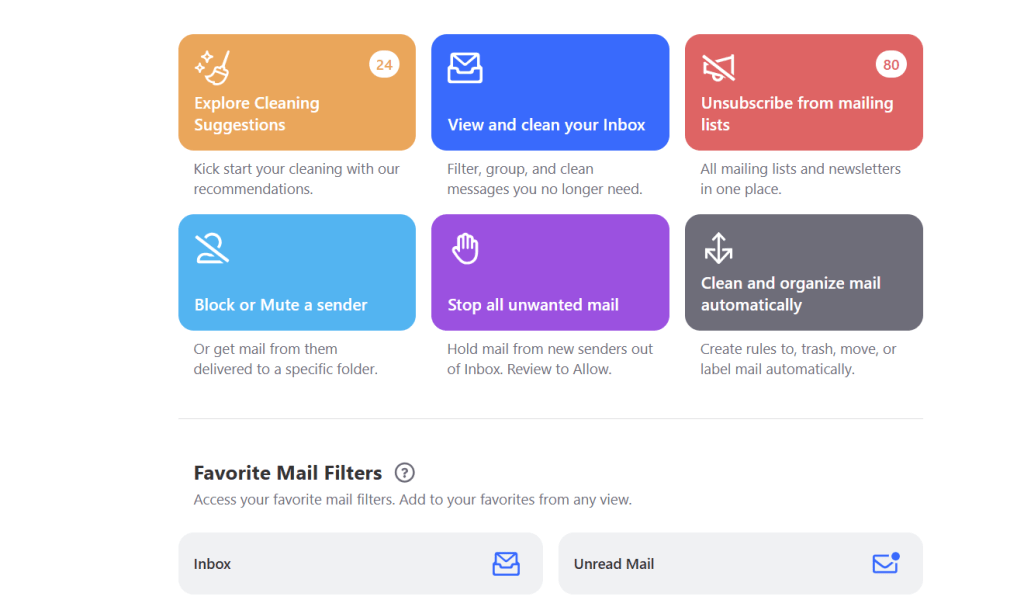
Clean Email takes a smart approach by grouping similar emails like receipts, social updates or subscriptions into easy-to-review bundles. These cleaning suggestions help you act fast, clearing hundreds or thousands of messages with a click.
Unsubscriber Tool
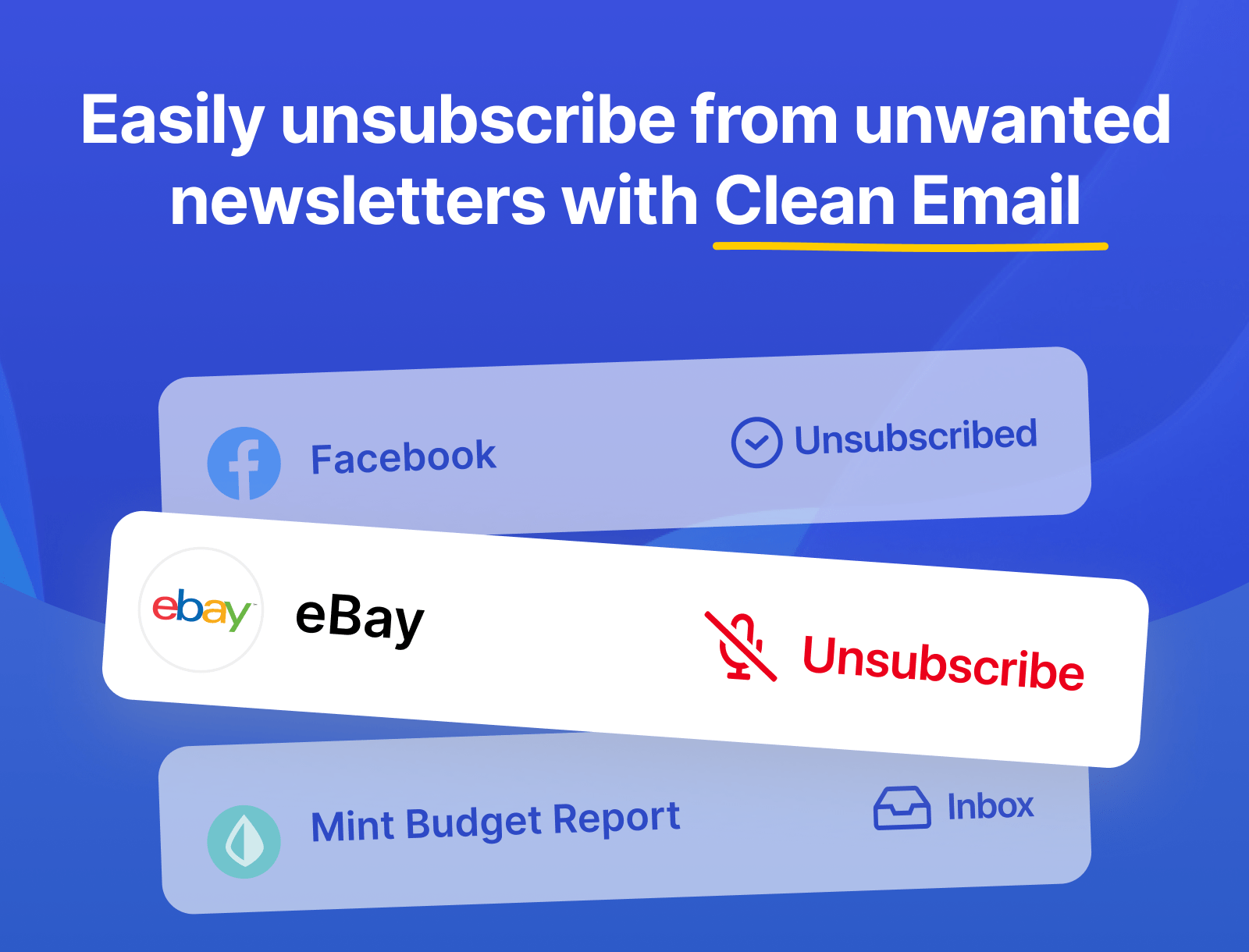
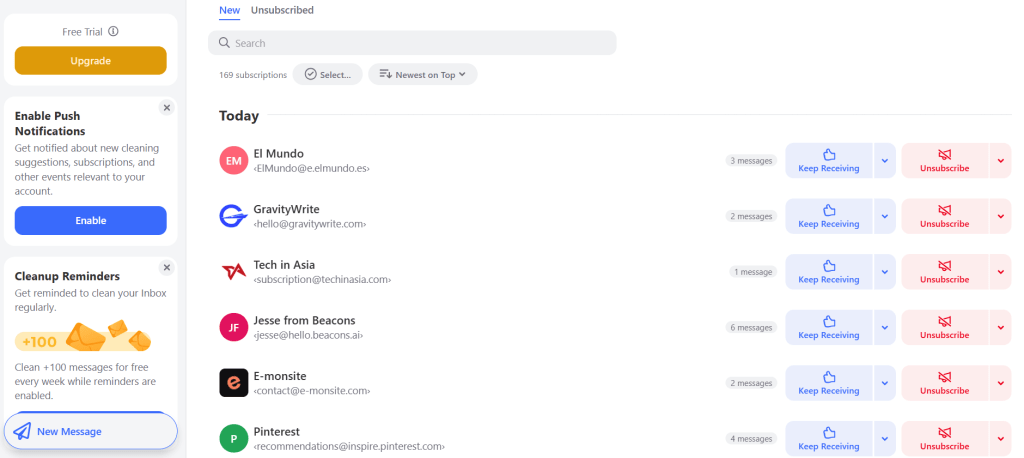
This intelligent tool consolidates subscription emails into one view so you can unsubscribe, pause or opt to “Read Later.” It even handles mailing lists that lack unsubscribe links making it one of the best email bulk unsubscribe tools around.
Auto Clean Rules & Inbox Automation
Say goodbye to repetitive tasks. Set rules to automatically archive, delete or label emails based on sender, age or content. This is powerful email declutter automation; set it, forget it and enjoy a cleaner inbox going forward.
Screener & Mailing List Management
Want to vet new senders before clutter enters your inbox? The screener holds messages from unfamiliar sources until you approve them. Combine that with sender-specific settings for granular control and your mailbox becomes a fortress of order.
Clean Email runs on web, iOS, Android and macOS. All updates are included with subscription and work across all devices and email providers transforming Clean Email into a truly secure email inbox organizer for anyone, anywhere.
Pricing & Plans in Depth
Free Tier
A very useful starting point: Clean up to 1,000 emails for free, with basic actions: move, delete, archive, star and more. You can also enable cleanup reminders to get more access.
14-Day Free Trial
Test out the full premium suite: Auto Clean, Screener, advanced unsubscriber and analytics at no cost for 14 days, including 25 unsubscribe actions with no payment required.
Subscription Plans:
Monthly, 1 account: $9.99/month
Yearly, 1 account: $29.99/year about 75% savings
Monthly, 5 accounts: $19.99/month
Yearly, 5 accounts: $49.99/year
Monthly, 10 accounts: $29.99/month
Yearly, 10 accounts: $99.99/year
All plans include unlimited email cleaning, cross-device access and full feature set.
Clean Email stands apart as a privacy focused email cleaner that doesn’t monetize your data. The company openly promises to never sell, anonymize or share your email content, only metadata and headers are accessed. Their revenue comes entirely from subscriptions, not ads or data.
Security-wise, they deploy 128-bit encryption, OAuth2 access, and comply with GDPR/CCPA standards. Independent reviews, including from Forbes and Mac Sources, note Clean Email as a safe inbox organizer, with security baked into the design.
Trustpilot scores reflect strong user confidence: a 4.7/5 rating, with 81% of users giving 5 stars, praising both the effectiveness and the support.
What Could Be Improved?
Some users find the cost too high, especially for personal users or light email traffic.
While web and mobile are supported, Windows users rely on browser access or third-party clients.
Initial setup especially defining Auto Clean filters can be a bit tricky.
A few users were surprised by charges after forgetting to cancel the trial though CleanEmail generally addresses these complaints promptly.
Why It’s Truly the Best
CleanEmail isn’t just a tool, but an email revolution. With privacy focused email cleaner, automation, smart suggestions and multi-platform support, it earns its title as the best inbox cleaning software. It solves modern challenges like bulk email unsubscribe, inbox clutter, and data privacy concerns.
Whether you’re tired of manual cleanup, want to automate your email routines or need a secure email inbox organizer, CleanEmail answers the call. From its free usage tiers to robust premium subscription, it offers both flexibility and peace of mind.
If you’re ready to transform an inbox from chaos to clarity with automation, privacy and ease; then Clean Email deserves top billing in your life.
Disclosure: This post may contain affiliate links, which means if you make a purchase through my links, I may earn a small commission at no extra cost to you.